Signing in to your workspace
What this covers
How to sign in, what the three fields mean, and what to do when something stops you.
The three fields
The sign-in page asks for three things rather than the usual two.
| Field | What it is |
|---|---|
| Property Code | Your restaurant's short code, chosen when the account was created — for example goldenfork2026. The same code for everyone on your team. |
| Email address | Your own work email, the one your account was created with. |
| Password | Your own password. Never share it — each person should have their own account. |
Why the extra field? Because the same email address can belong to different
people at different restaurants. The property code tells Tabledoo which restaurant you mean, so two
venues can both have a manager@ address without clashing. If you do not know your
restaurant's code, ask your manager — it is not a secret.
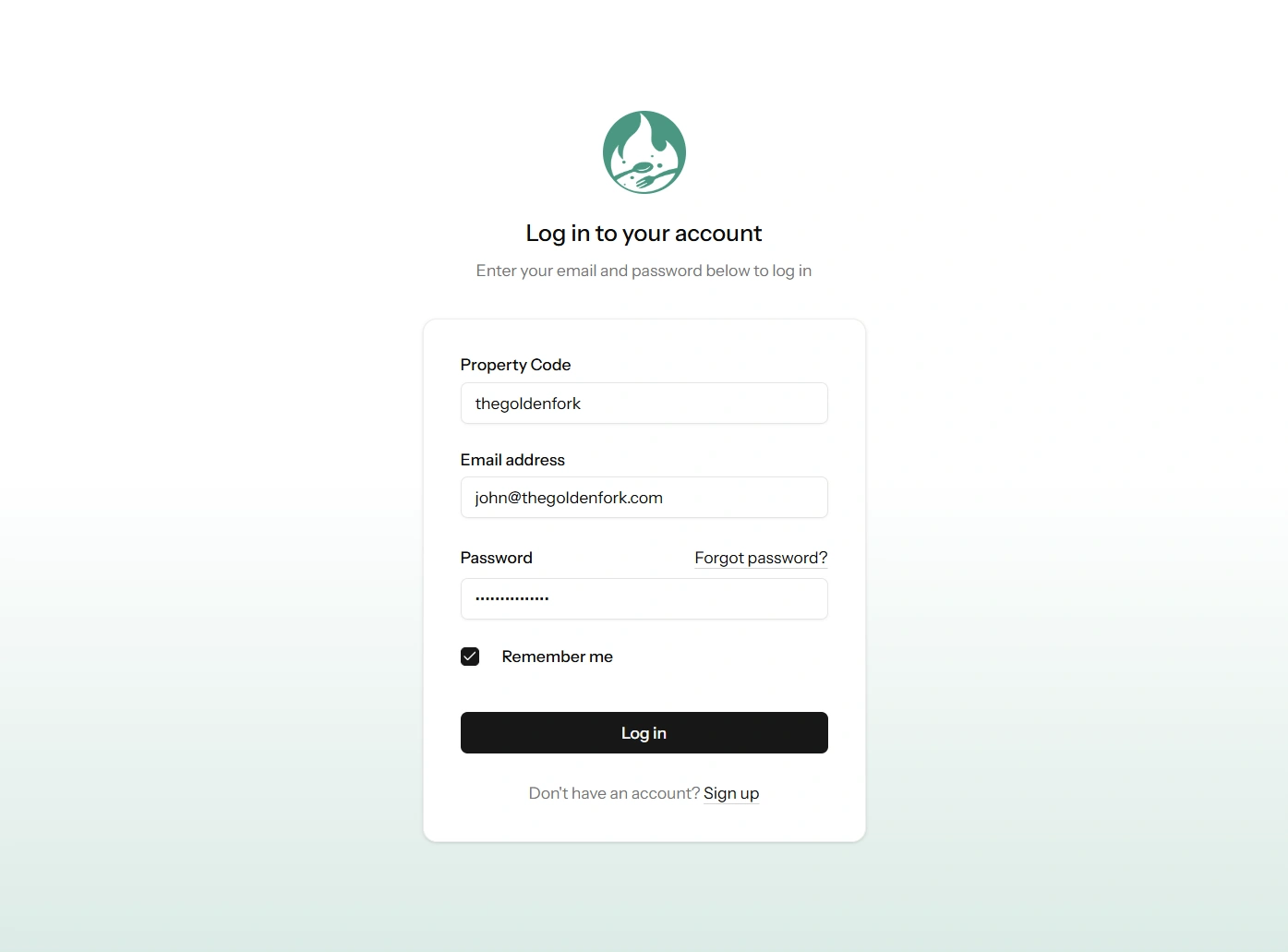
The sign-in page.
Remember me
Ticking Remember me keeps you signed in on that device for much longer, so you are not typing your password at the start of every shift. Use it on your own phone or the host-stand tablet. Do not use it on a shared or public computer.
If you have forgotten your password
- Click Forgot password? on the sign-in page.
- Enter your email address. You do not need the property code for this step — the reset link already knows which restaurant you belong to.
- Open the email and follow the link to choose a new password.
Reset links expire, so if you leave it until the next day, request a new one.
If you are asked for a code from your phone
Some accounts have two-factor authentication switched on, which means that after your password you are asked for a six-digit code from an app on your phone. Open your authenticator app, read the current code and type it in. The code changes every 30 seconds, so if it is about to change, wait for the next one.
Lost the phone? Use one of the recovery codes you saved when you set it up. See Two-factor authentication.
Things that can stop you signing in
| What you see | What it means and what to do |
|---|---|
| "These credentials do not match our records" | One of the three fields is wrong. Check the property code first — it is the one people get wrong, usually a capital letter or a typo. |
| A message that there have been too many attempts | Your account is locked for a while, to stop someone guessing your password. Wait, or ask an Owner or Manager to unlock you straight away from Property Settings → Staff. See Unlocking a locked account. |
| A page saying your access is blocked | Your restaurant only allows sign-in from its own internet connection. Either sign in from the venue, or ask a Manager for a bypass code. See "You're blocked" — what to do. |
| A page saying the account is suspended | This is a billing matter, not a password one. The Owner can fix it from the subscription page. See A failed payment, and suspension. |
Signing out
Click your name at the bottom of the left-hand menu and choose Log out. Always sign out on a shared computer at the end of your shift.